Loading external iBuildingConfig files
To import an external iBuildingConfig file into BuildingGen, use the Load iBuildingConfig function as instructed below.
 Note:
Note:
iBuildingConfig files are either sourced from the building packages you have made or purchased from the Reallusion Content Store.
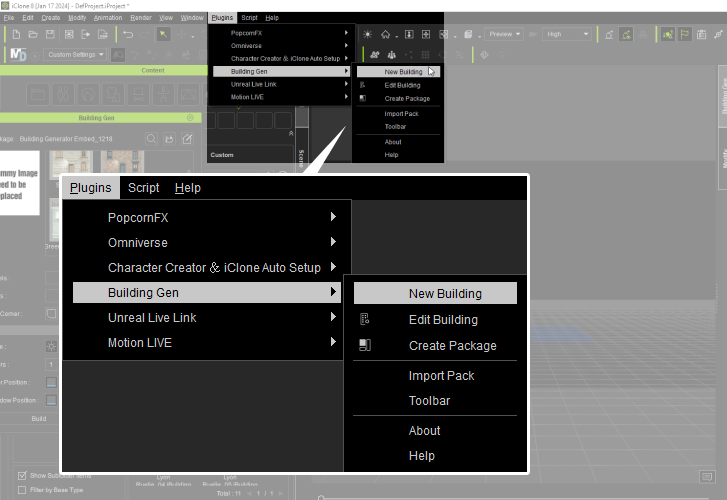
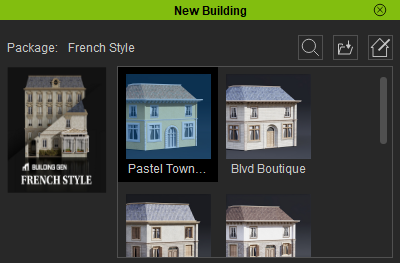
- Open the New Building panel via Plugins > BuildingGen > New Building.
- Click the Load iBuildingConfig icon.

The New Building panel will appear.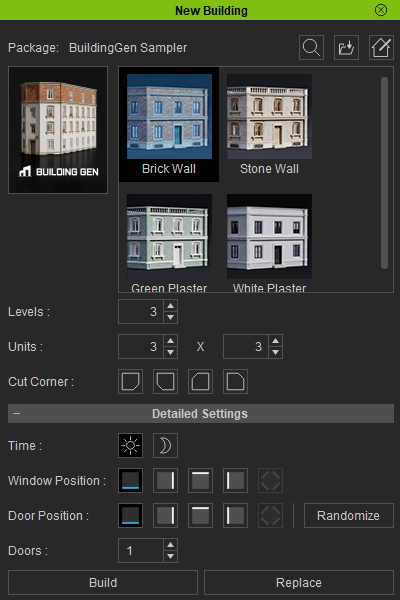
From the file dialog, pick the iBuildingConfig file you want to import and click Open.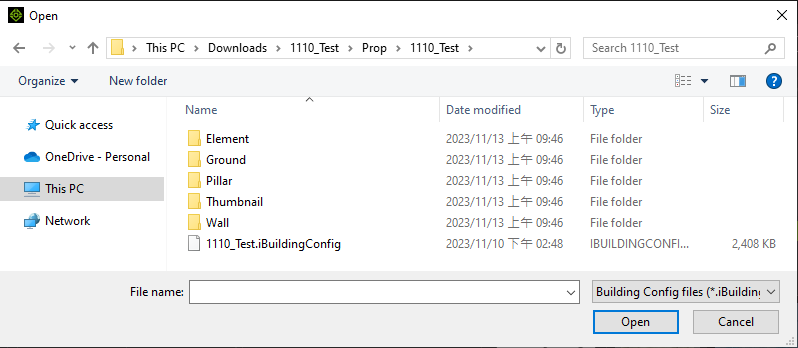
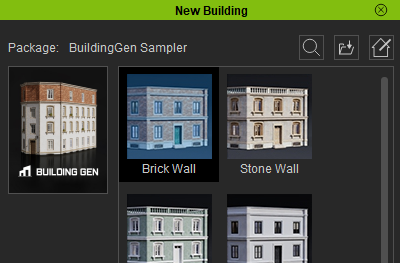
The building style options will update accordingly.
|
|
| Before importing the new iBuildingConfig file. |
An imported iBuildingConfig file will load its own selection of buildings. |
